YouTube Thumbnail Preview Tool
See exactly how your thumbnail will appear across YouTube before you publish. Preview in search results, suggested videos, and the subscription feed.
YouTube Thumbnail Preview is a free YouTube optimization tool by Kubes that previews how YouTube thumbnails appear in search results and suggested videos before publishing. Thumbnails are responsible for 90% of a video's click-through rate.
CTR Optimization Data
90%
CTR determined by thumbnail
2-10%
Average YouTube CTR
1280x720
Optimal thumbnail size
Your Amazing Video Title That Might Be Too Long
Your Channel
1.2M views • 2 days ago
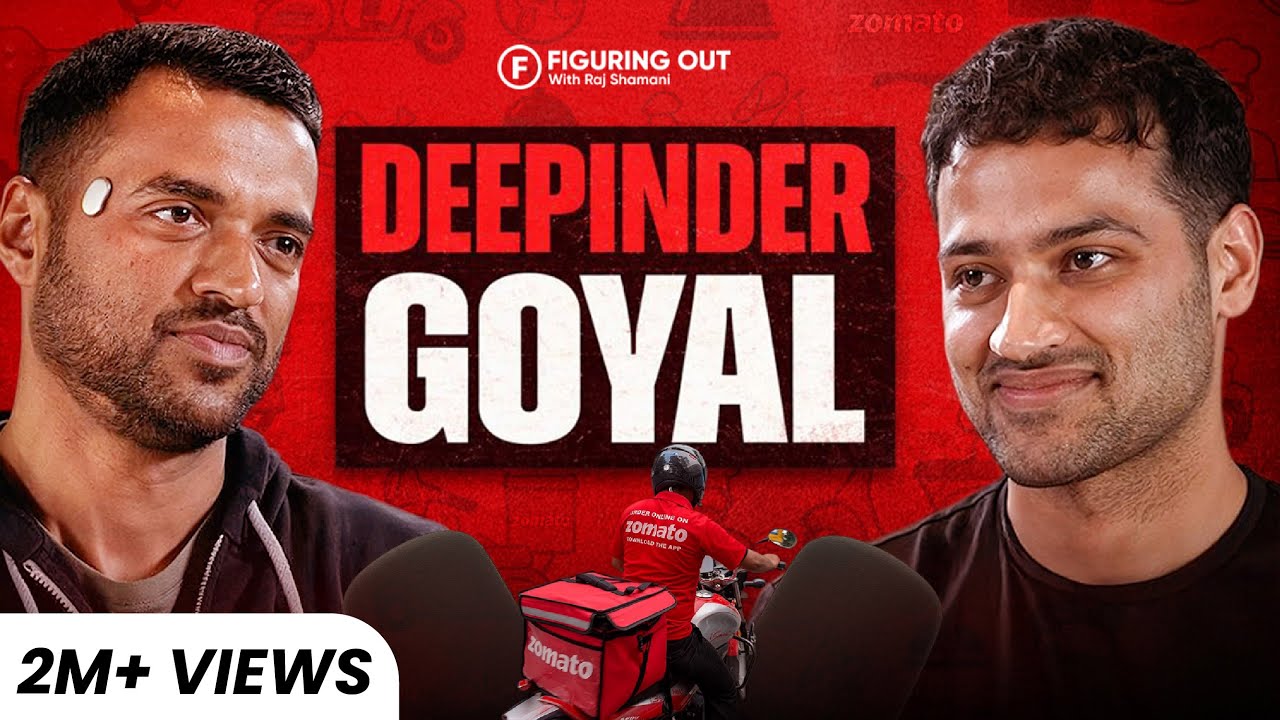
Deepinder Goyal: Zomato, 10-Min Delivery, Founder Mindset & Business In India | FO453 Raj Shamani
Raj Shamani
2.8M views • 3 weeks ago

Bill Gates on India, Billion-Dollar Business Opportunities, PM Modi & Children | FO335 Raj Shamani
Raj Shamani
4.1M views • 2 months ago
Timestamp Check: Make sure your important text isn't covered by the 10:34 badge in the bottom-right corner!
Got the click?
Now keep them watching.
A great thumbnail gets them in. Great editing keeps them there. We turn your raw footage into high-retention videos that grow your channel.
- Lead capture, routing, and CRM automation
- Dashboards, alerts, and internal tools
- Human approval where it matters
- Systems that fit your business
Feature Comparison
| Feature | Kubes | TubeBuddy | VidIQ |
|---|---|---|---|
| Price | Free | $9/mo | $7.50/mo |
| Competitor Comparison | |||
| Mobile Preview | |||
| Dark/Light Mode | |||
| No Signup Required |
How to use the YouTube Thumbnail Previewer
- 1
Upload your thumbnail image.
- 2
Enter your video title.
- 3
Preview in different contexts (search, suggested, mobile).
- 4
Compare multiple thumbnail options.
- 5
Choose the best performing visual.
Why Thumbnails Determine Click-Through Rate
Your thumbnail is responsible for 90% of a video's click-through rate. A thumbnail that stands out in search results can double or triple your views without changing anything else.
Build the workflow behind this tool
A free tool helps once. A Kubes system keeps the work moving.
If this result points to a real workflow in your company, Kubes can build the version that runs every day: intake, AI assistance, approvals, dashboards, and follow-up connected to the tools your team already uses.
Book Discovery Call