What Should Your Brand Look Like?
Skip the guessing. Pick up to 3 styles that resonate with your brand, and we'll create a custom creative brief.
Moodboard Generator is a free creative planning tool by Kubes that generates creative briefs and moodboards for video projects with curated style references. Clear visual direction reduces revision cycles by 50%.
Visual Strategy Data
50%
Fewer revisions with moodboards
3 Styles
Maximum per brief
PDF Export
Shareable with team
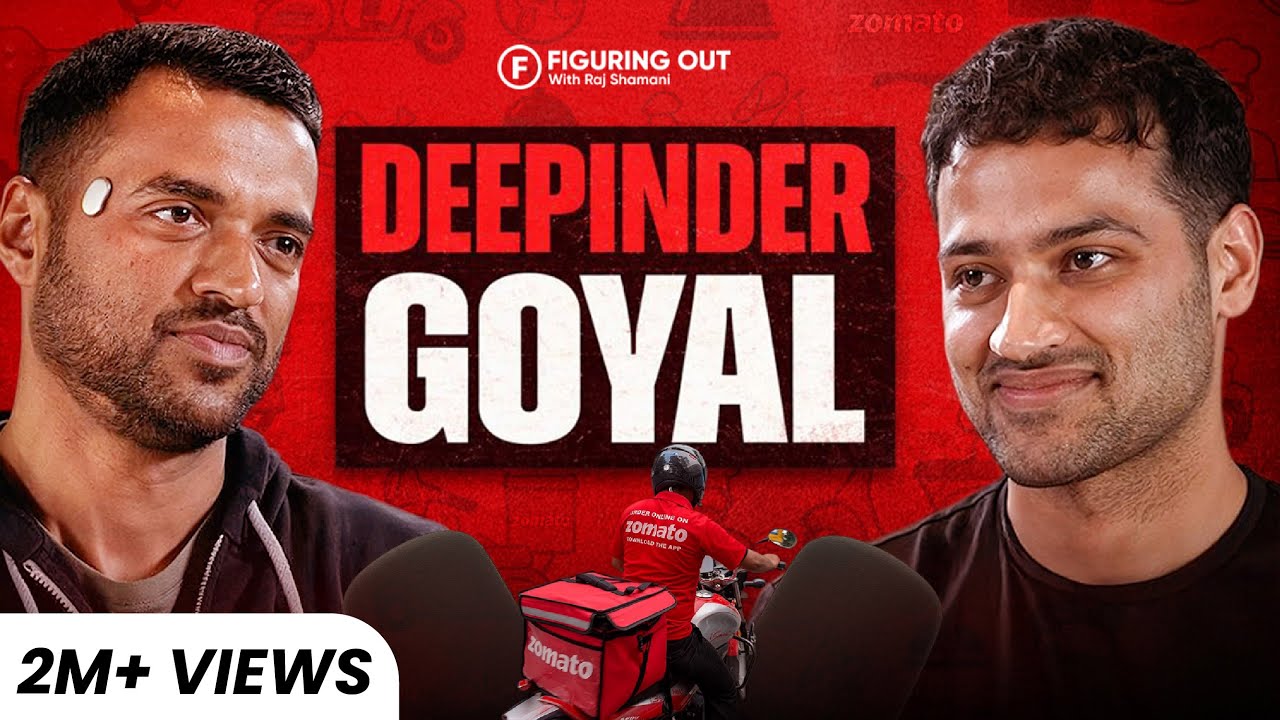
The Alex Hormozi Style
High-EnergyBold captions, rapid cuts, sound effects. Best for B2C and Personal Brands.
This style requires high-volume footage. We recommend our Growth Partner package.

The Apple Minimalist
SaaSWhite space, kinetic typography, premium feel. Best for B2B Software.

The Documentary
DocumentaryNarrative-driven, interview-based, emotional storytelling. Best for raising capital.
Best for raising capital. See our Founder Track package.
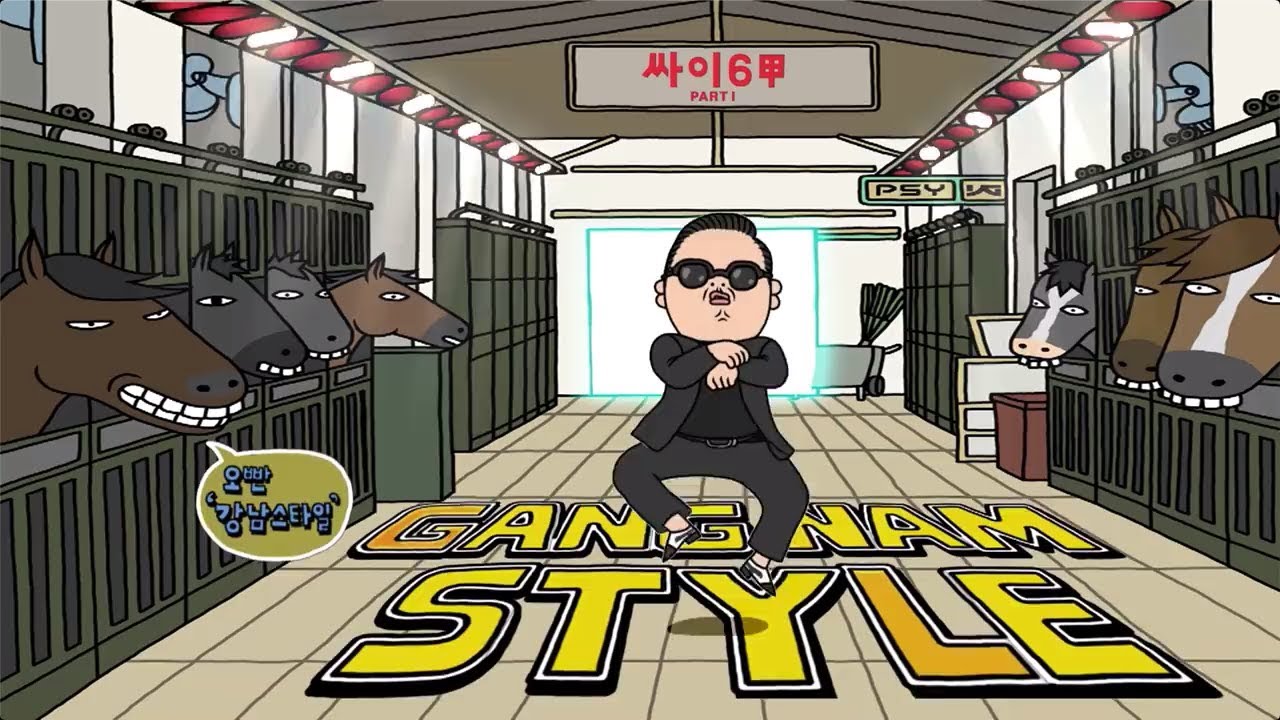
Motion Graphics Heavy
Motion Graphics2D/3D animations, icon animations, product walkthroughs. Best for SaaS explainers.
Founder-Led Content
High-EnergyDirect-to-camera, fast cuts, overlays and b-roll. Perfect for LinkedIn thought leadership.
Product Demo
SaaSClean screen recordings with cursor highlighting, zooms, and callouts. Best for product demos.
Short-Form Viral
High-EnergyHook-driven, vertical format, trending audio, fast cuts. Best for social media growth.
Corporate Premium
DocumentaryPolished, professional, executive-focused. Best for enterprise sales and investor decks.
Feature Comparison
| Feature | Kubes | Milanote | Miro |
|---|---|---|---|
| Price | Free | $10/mo | $8/mo |
| Video-Focused | |||
| Curated Styles | |||
| PDF Brief Export | |||
| No Signup Required |
How to use the AI Moodboard Generator
- 1
Describe your project and visual style.
- 2
Select color palettes and aesthetic preferences.
- 3
Click generate to create your moodboard.
- 4
Review the visual direction and reference notes.
- 5
Export as PDF to share with your team.
Why Moodboards Align Creative Vision
Clear visual direction reduces revision cycles by 50%. A good moodboard ensures everyone on the project shares the same vision from the start, saving time and avoiding miscommunication.
Build the workflow behind this tool
A free tool helps once. A Kubes system keeps the work moving.
If this result points to a real workflow in your company, Kubes can build the version that runs every day: intake, AI assistance, approvals, dashboards, and follow-up connected to the tools your team already uses.
Book Discovery CallFrequently asked questions
Related tools
Carousel Maker
Create stunning Instagram and LinkedIn carousels in seconds. AI-powered content ...
AI Pitch Deck Generator
Generate investor-ready pitch deck outlines using the Sequoia framework. Get sli...
Content Remix Engine
Turn one piece of content into LinkedIn posts, Twitter threads, newsletters, and...